
WorkAssetLens
Asset tracking that replaced spreadsheets and annual hand counts.
A client tracked its equipment in spreadsheets and counted everything by hand once a year. We built a system where every asset has a barcode, a holder and a history. That system became AssetLens.
- 1,245
- assets tracked in the original deployment
- 97
- employees assigned equipment
- 13
- departments
- End to end
- designed and built by Threennovate
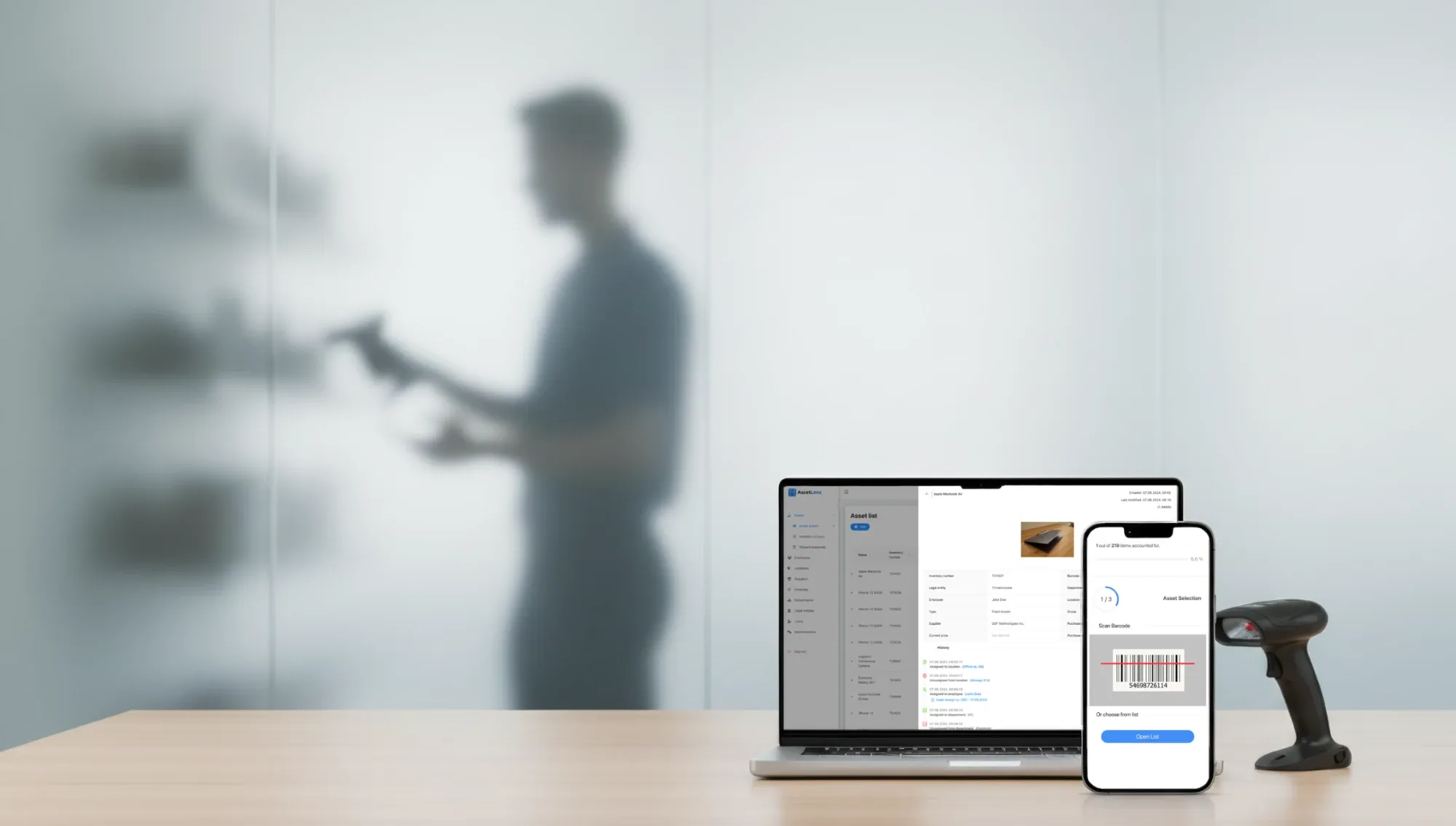
Asset history on desktop, inventory counting on mobile, with support for handheld barcode scanners.
What was it replacing?
Before AssetLens, asset tracking meant spreadsheets, printed lists and a count by hand once a year.
- Who has what
- The sheet showed who had a laptop the last time someone updated it.
- Every asset has a current holder and location, with a full history of who had it, where and when.
- Handover
- No proof that equipment was received or returned.
- Each handover generates an asset receipt for the employee to sign.
- Yearly inventory
- Printed lists, a walk through every office, results typed back in.
- Staff scan barcodes with a phone or handheld scanner, and the inventory updates as they go.
- Shared data
- Several people, several versions of the file.
- One place for everyone, with every action logged.
How does it work now?
Every asset gets a barcode, a holder and a history.
- Add itA new asset goes in with its details, a photo and a barcode, grouped by type.
- Assign itTo an employee, a department or a location. The system generates the receipt, and the assignment goes into the asset's history.
- Find it againScan the barcode, from a phone camera or a Bluetooth or USB scanner, and the asset opens with everything that has happened to it.
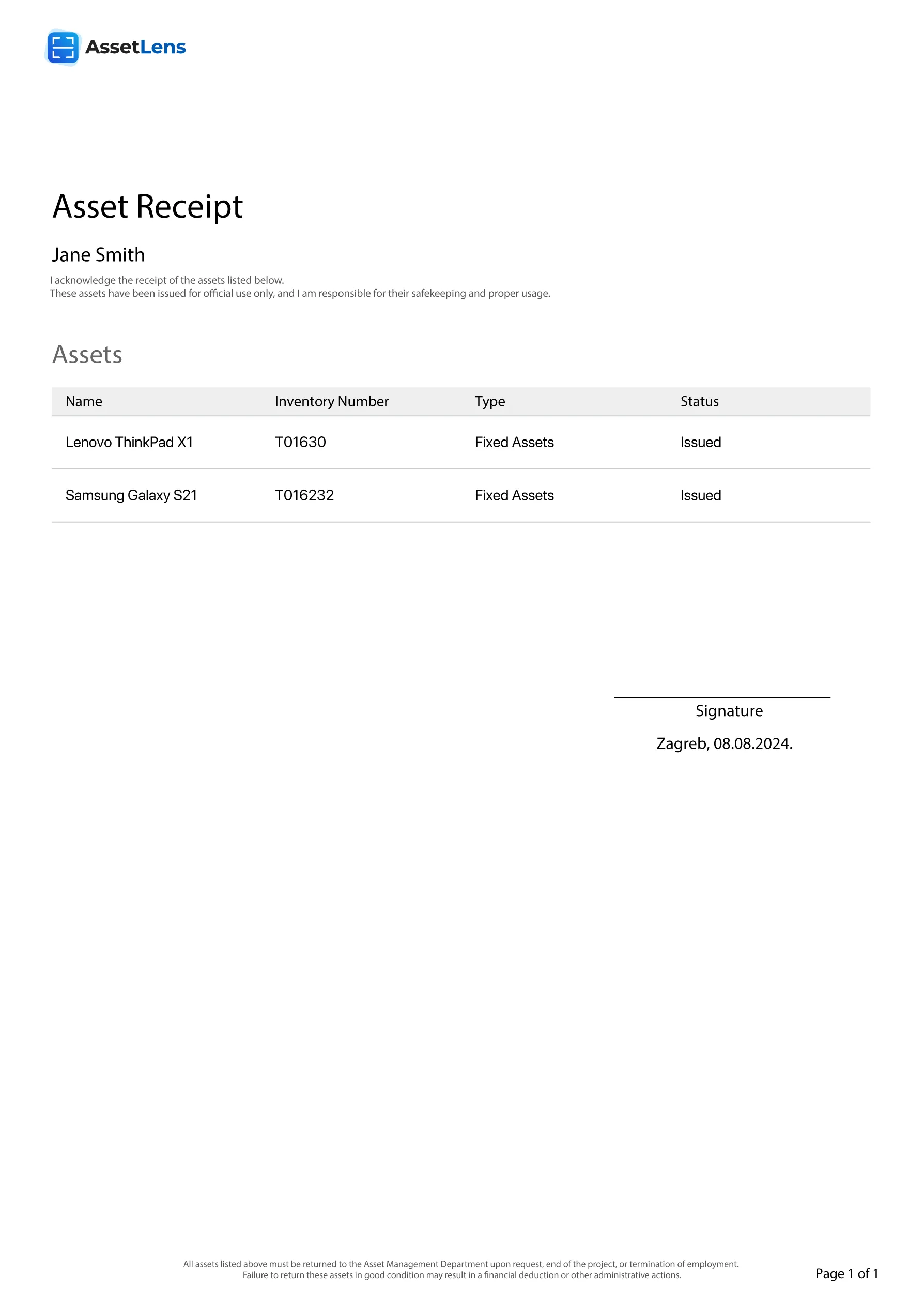
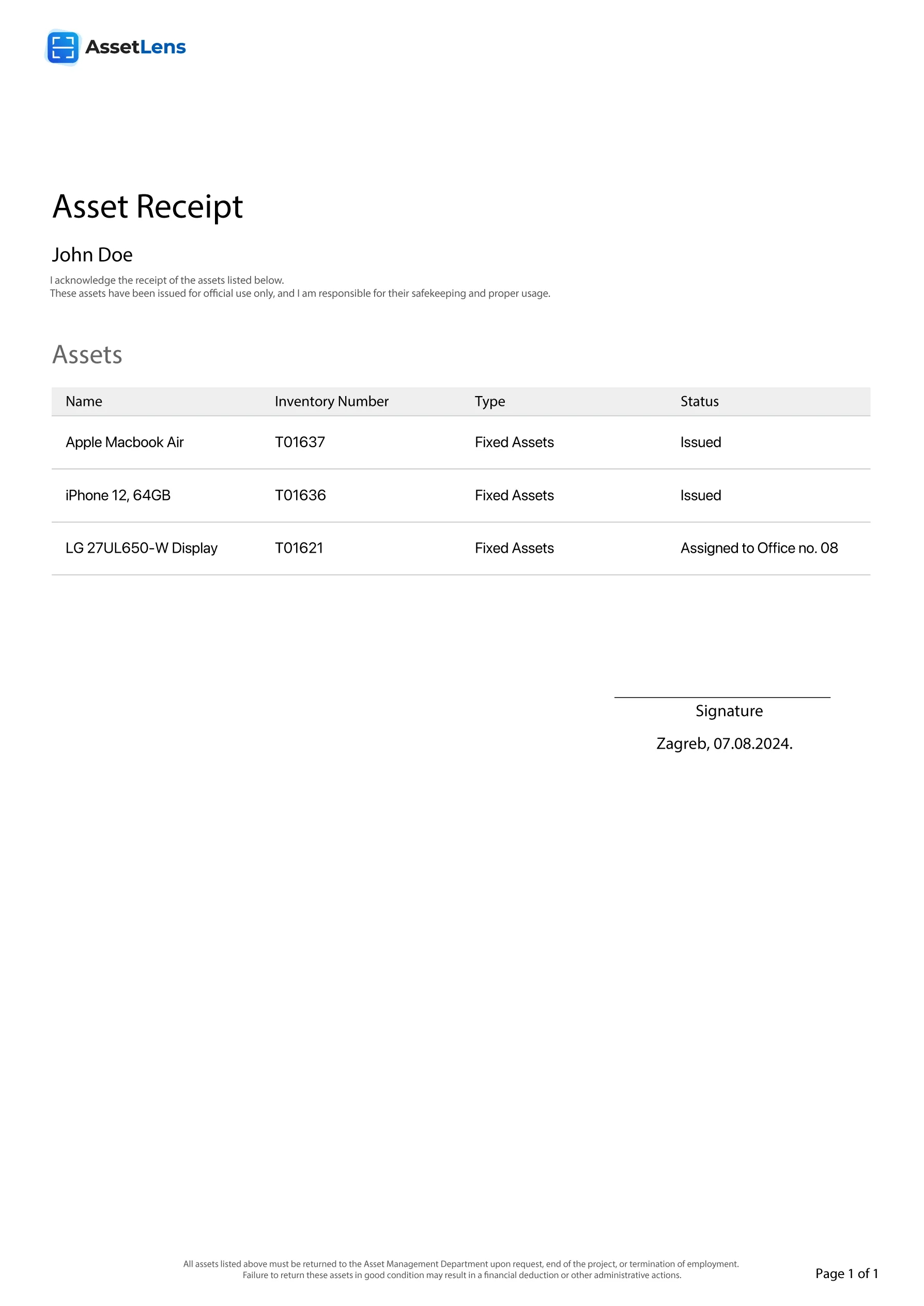
 T01637
What happened to the yearly inventory?
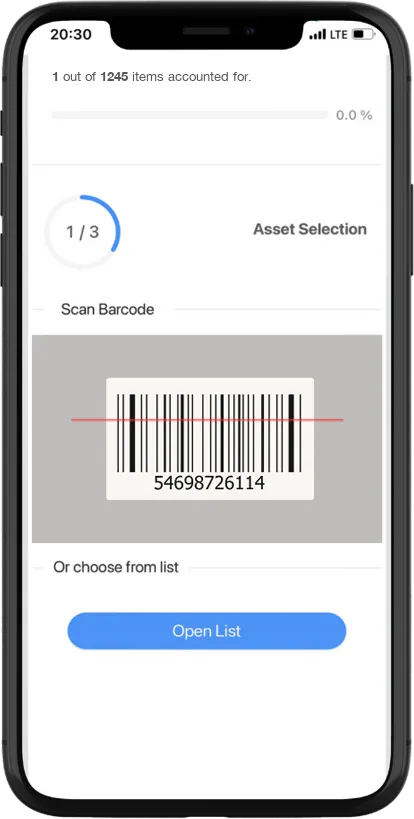
Inventory now means a phone and a barcode, not a printed list.
The count used to take days of ticking boxes on paper. Now several people walk the offices at once, each with a phone or a handheld scanner, and the report fills in as they go.
- Scan the barcodeThe asset is marked as found, and the count moves on
- Fix what's wrong on the spotUpdate the details or add a photo while standing next to the asset
- Read the reportCompletion percentage, what's still missing, and who counted what
How much of it did you build?
All of it, from one client's system to the product it became.
Plenty of companies still keep their equipment in spreadsheets. So the system we built for one of them now runs as a cloud platform others can use, and we keep developing it.
- Product design
- Asset, employee and location records, assignment and receipts, the inventory flow and its reports
- Backend
- Asset history and action log, receipts, inventory counts and reporting
- .NET
- Web application
- The screens administrators and staff work in every day
- Angular
- Scanning
- Phone camera, and Bluetooth and USB barcode scanners
- In use
- 1,245 assets, 97 employees and 13 departments at the first client